



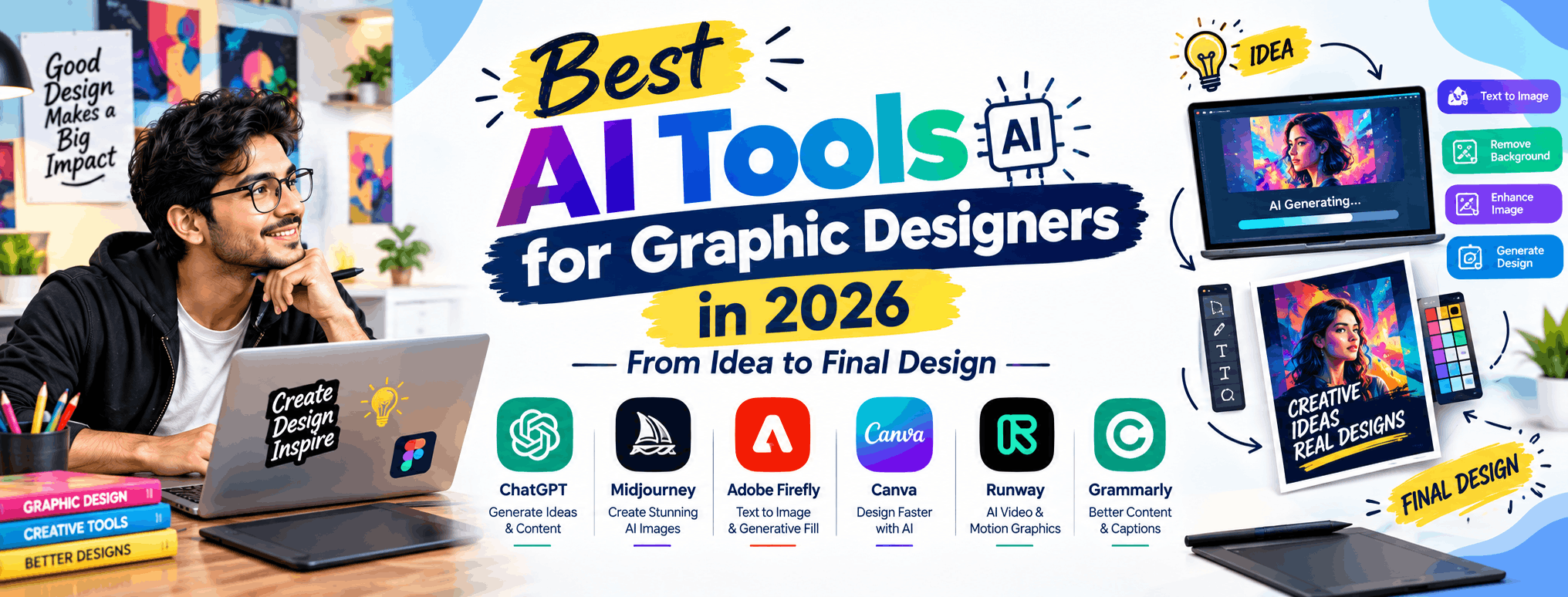
Best AI Tools for Graphic Designers in 2026: Idea to Final Design
Graphic design in 2026 looks nothing like it did five years ago. Artificial Intelligence has moved from being a novelty to becoming a core part of every designer's toolkit. Whether you're brainstorming concepts, generating mockups, or polishing final assets, AI tools now help designers work faster without compromising creativity. For students and aspiring designers in India, understanding these tools is no longer optional—it's essential for staying competitive in the job market.
In this blog, we'll walk through the best AI tools for graphic designers in 2026, organized by where they fit in your design workflow: from idea generation to final polished output.
Why AI Tools Matter for Graphic Designers Today
AI hasn't replaced designers—it has amplified them. Clients expect faster turnarounds, more design variations, and higher quality output, all within tighter budgets. Designers who know how to use AI tools effectively can produce more work in less time, experiment with bolder ideas, and focus their energy on strategy and creativity rather than repetitive tasks.
For students enrolling in a Graphic Design course, learning these tools alongside traditional design fundamentals gives you a serious edge when applying for jobs or freelance projects.
1. Idea Generation & Concept Development
- Midjourney: Still a favorite for generating stunning visual concepts from simple text prompts. Great for mood boards, illustrations, and creative exploration.
- ChatGPT / Claude: Perfect for brainstorming taglines, brand messaging, color psychology ideas, and creative briefs before you even open a design software.
- Adobe Firefly: Integrated directly into Photoshop and Illustrator, Firefly helps generate textures, backgrounds, and design variations instantly.
These tools are ideal at the very start of a project, helping you move past creative blocks and explore multiple directions quickly.
2. Layout, Composition & Mockups
- Canva Magic Studio: An all-in-one AI suite that helps generate layouts, resize designs for different platforms, and even auto-generate entire presentations or social media kits.
- Uizard: Useful for quickly turning rough sketches into digital layouts—especially handy for designers working on UI/UX-adjacent projects.
- Smartmockups AI: Generates realistic product and branding mockups in seconds, saving hours of manual placement work.
This stage is where AI saves the most time—turning rough ideas into presentable drafts that clients can react to quickly.
3. Image Editing & Enhancement
- Photoshop's Generative Fill: Now a staple tool for expanding backgrounds, removing objects, and creating variations without starting from scratch.
- Topaz Labs AI: Excellent for upscaling images and enhancing quality for print-ready designs.
- Remove.bg & Cleanup.pictures: Quick background removal and object cleanup tools that remain essential for everyday design tasks.
4. Typography, Branding & Color Tools
- Fontjoy & Khroma: AI-powered font and color pairing tools that help maintain visual harmony in branding projects.
- Looka & Brandmark: AI logo generators that are useful for quick concept exploration, especially for small business branding projects.
While these tools are great for inspiration, professional designers use them as a starting point—refining and customizing outputs to keep designs original and client-specific.
5. Finalizing & Delivering Your Design
- Adobe Illustrator & Photoshop (AI-enhanced): Still the industry standard for final polish, precision editing, and print-ready output.
- Figma AI features: Increasingly used for collaborative feedback, auto-layout suggestions, and handoff to developers.
- Vectorizer.ai: Converts raster images into clean vector files—useful for logos and print materials.
This final stage is where human skill matters most: understanding brand guidelines, client feedback, and design principles that AI simply cannot replicate on its own.
How to Use AI Tools Without Losing Your Creative Edge
The biggest mistake new designers make is relying entirely on AI-generated output. Employers and clients value designers who understand why a design works—color theory, typography, hierarchy, and composition. Use AI as a collaborator that speeds up production, not a replacement for design thinking.
Why Learn Graphic Design Formally in the AI Era?
With so many free AI tools available, some students wonder if formal training is still necessary. The answer is a clear yes. AI tools generate raw material—but only trained designers know how to curate, refine, and adapt that material into professional, brand-aligned work. A structured Graphic Design course teaches you the fundamentals of design theory, software mastery, and portfolio building, while also introducing you to AI tools as part of a modern, industry-relevant curriculum.
At Graphic Design Institute, our courses are updated regularly to include the latest AI tools and workflows, ensuring students graduate job-ready for the design industry of 2026 and beyond.
Final Thoughts
AI tools have transformed how graphic designers work—from idea generation to final delivery. But the designers who thrive in this new landscape are those who combine AI efficiency with strong creative fundamentals. If you're serious about building a career in design, now is the perfect time to learn both the art and the AI-powered tools shaping its future.
Interested in learning more? Explore our Graphic Design course or register now for a free demo class at Graphic Design Institute.