



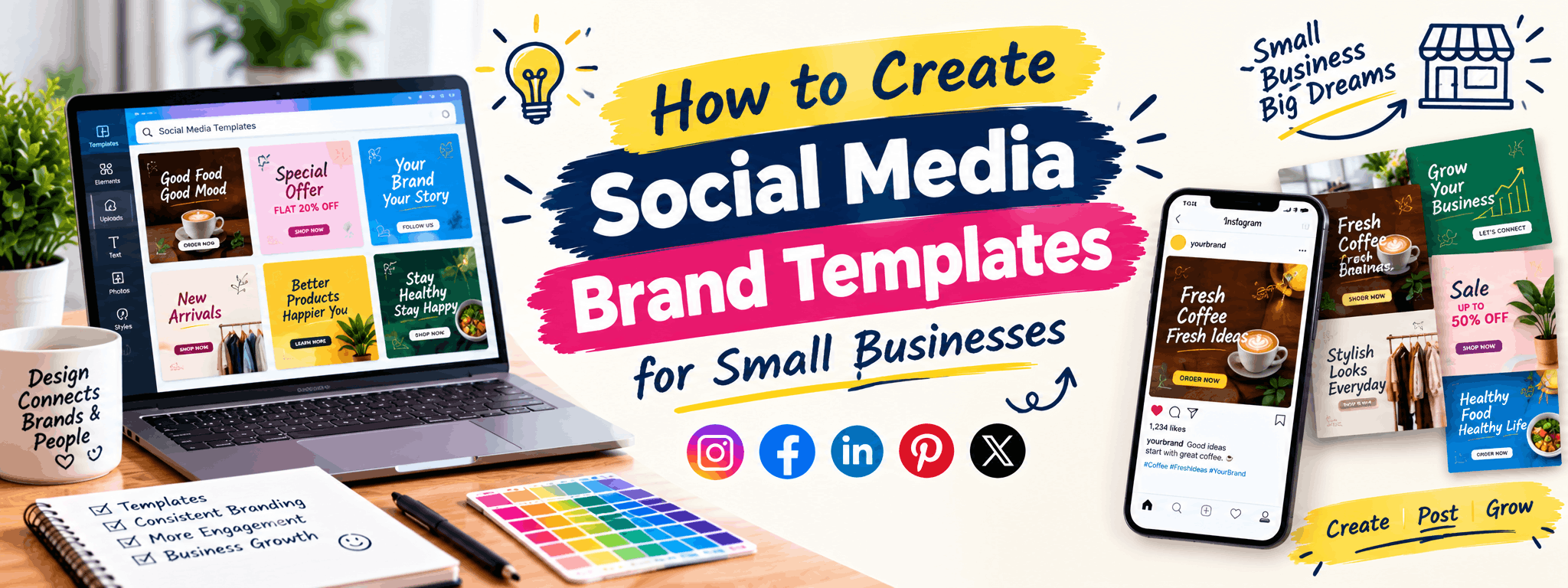
How to Create Social Media Brand Templates
Small businesses often post on Instagram or Facebook whenever they get time, using different fonts, colours, and layouts each time. The result is a page that looks disorganised and forgettable. Social media brand templates solve this problem by giving every post a consistent, professional look without requiring a fresh design from scratch each time. This article walks through what brand templates actually are, the tools used to build them, a step-by-step creation process, common mistakes business owners make, and how to keep templates useful as the business grows. By the end, you will have a clear roadmap to build a template system that saves time and strengthens brand recall.
What Are Social Media Brand Templates?
A social media brand template is a reusable design layout built around a business's colours, fonts, logo, and visual style. Instead of designing every post individually, you create a master set of templates for different content types - offers, quotes, product highlights, testimonials, announcements - and simply swap the text and images each time.
Think of it like a stationery set for a brand. Once the structure is fixed, only the content inside changes. This keeps the page visually consistent, which helps audiences instantly recognise a post as coming from a particular business, even before reading the caption.
Why Small Businesses Need Brand Templates
Small business owners usually manage social media alongside many other responsibilities. Templates help in several practical ways:
- They cut design time significantly since the layout is already decided.
- They maintain visual consistency even if different team members are posting.
- They build brand recognition over time, since repeated colours and fonts make a page feel familiar.
- They reduce decision fatigue - no need to think about fonts or colours for every single post.
- They give the page a more established, trustworthy appearance, which matters when customers are comparing options.
Tools Used to Create Social Media Templates
You don't need expensive software to get started. Here are commonly used tools, ranging from beginner-friendly to professional-grade:
| Tool | Best For | Skill Level |
|---|---|---|
| Canva | Quick templates with drag-and-drop editing, good for beginners and small teams | Beginner |
| Adobe Photoshop | Detailed, custom designs with more control over layers and effects | Intermediate to Advanced |
| Adobe Illustrator | Logo-based templates and vector graphics that need to scale cleanly | Intermediate to Advanced |
| Figma | Creating reusable design systems and templates for teams collaborating remotely | Intermediate |
Many small businesses start with Canva for speed, then move to Photoshop or Illustrator once they want more customised, unique-looking templates that don't resemble every other brand using the same platform.
Step-by-Step Process to Create Brand Templates
1. Finalise the Brand Basics First
Before opening any design software, gather the essentials: logo files (in PNG and vector formats), 2-4 brand colours with their exact colour codes, and 1-2 fonts for headings and body text. Skipping this step is the most common reason templates end up inconsistent later.
2. Identify the Content Categories You Post Regularly
List out the types of posts the business actually shares - for example, product photos, customer testimonials, discount announcements, festival greetings, or educational tips. Each category should have its own template so the layout suits the content, rather than forcing everything into one generic design.
3. Design a Master Template for Each Category
Create one strong base design per category with placeholder text and images. Keep the logo placement, colour blocks, and font sizes consistent across all templates so they clearly belong to the same brand family, even though the layouts differ slightly.
4. Build in Flexibility
Design templates so that headlines can be short or long without breaking the layout. Use text boxes that can expand, and avoid cramming too many design elements that limit how much content can fit later.
5. Create Variations for Different Platforms
Instagram feed posts, Instagram Stories, Facebook posts, and LinkedIn posts all have different ideal dimensions. Build at least 2-3 size variations of your key templates so content doesn't appear cropped or stretched.
6. Save as Reusable Templates
In Canva, this means saving to a "Brand Kit" and duplicating designs before editing. In Photoshop, save layered PSD files with organised, labelled layers so future edits are quick and don't require rebuilding from scratch.
Common Mistakes to Avoid
- Using too many fonts and colours, which makes the brand look inconsistent rather than cohesive.
- Copying generic templates directly from design apps without customising them - this makes the brand look identical to hundreds of others.
- Ignoring platform-specific sizes, resulting in stretched logos or cut-off text.
- Overcrowding posts with too much text, graphics, and stickers, which hurts readability.
- Not testing how templates look on a mobile screen, where most users will actually view them.
How to Keep Templates Relevant as the Business Grows
Brand templates shouldn't stay frozen forever. Revisit them every 6-12 months to check if the colours, fonts, or layouts still feel current. If the business adds new products, services, or target audiences, the templates may need small updates - but avoid changing the core brand identity frequently, since that confuses returning customers who recognise the older look.
It also helps to keep a simple internal style guide - a one-page document listing colour codes, fonts, and logo usage rules - so anyone handling social media in the future can maintain consistency without guesswork.
Building Skills to Design Templates Professionally
If you're a student or a working professional looking to design social media templates as a career or freelance skill, it helps to learn:
- Design fundamentals - colour theory, typography, layout, and spacing
- Software skills in Canva, Photoshop, and Illustrator
- Basics of branding - how logos, taglines, and visual identity work together
- Building a portfolio with sample templates for different industries like cafes, salons, real estate, or fashion brands
A portfolio matters more than certificates when approaching small business clients for freelance work. Include before-and-after examples, different template categories, and a short case study explaining your design choices. If you want structured classroom training and guided project work to build this skill set properly, GDI's Graphic Design course may be worth considering, especially if you prefer hands-on learning with feedback from instructors.
FAQs
Do I need Photoshop to create social media templates, or is Canva enough?
Canva is enough for most small businesses starting out, especially with its Brand Kit feature. Photoshop or Illustrator become useful once you want more unique, custom designs that don't look like standard template layouts used by many other pages.
How many templates should a small business have?
Most businesses do well with 5-8 core templates covering categories like offers, product highlights, testimonials, and general updates. Having too many templates can actually make it harder to stay consistent.
Can I use free stock photos in my brand templates?
Yes, as long as the images are from platforms that allow commercial use. However, using actual product photos or real customer images generally performs better than generic stock photos for small business social media.
How often should brand templates be updated?
Reviewing templates every 6-12 months is a reasonable practice. Update them if the business rebrands, adds new services, or if the current design starts feeling outdated compared to competitors.
What size should Instagram post templates be?
A common size is 1080x1080 pixels for square posts, though 1080x1350 pixels (portrait) often gets more screen space in the feed. Stories require 1080x1920 pixels.
Can one template work for both Instagram and Facebook?
The core design elements like colours, fonts, and logo placement can stay the same, but it's better to resize the actual template for each platform's dimensions to avoid cropping issues.
Is it worth hiring a designer instead of using free templates?
For long-term brand consistency, a custom-designed template set is usually worth it, since free templates are often reused by many businesses and don't reflect a unique identity.
About Graphic Design Institute
Graphic Design Institute (GDI), based in Rohini, Delhi, offers practical, project-based training in Graphic Design, Video Editing, Web Design, Web Development, Digital Marketing, AutoCAD 2D & 3D, and Data Analytics. The institute focuses on hands-on learning and portfolio building to help students apply design skills to real business needs. If you're looking to build strong design skills with guided classroom support, our team can share exact course details and help you get started.
Interested in learning more? Explore our Graphic Design course or register now for a free demo class at Graphic Design Institute.