



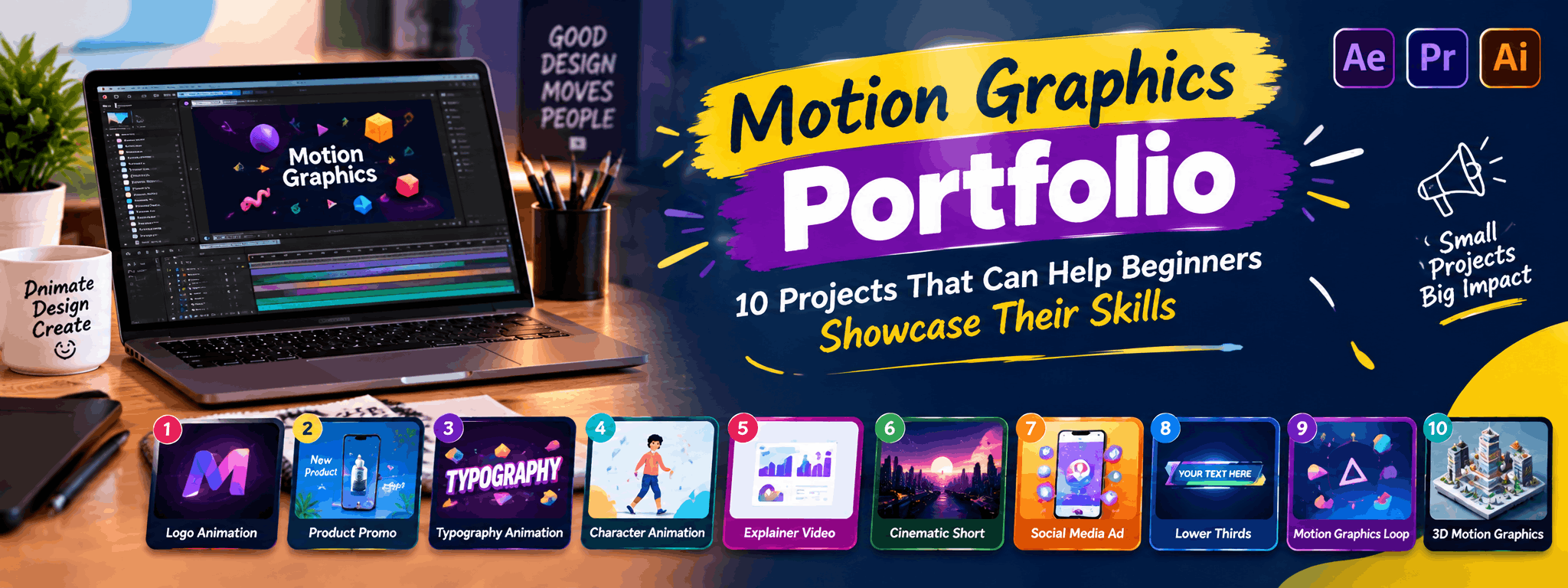
Motion Graphics Portfolio: 10 Projects for Beginners
Breaking into motion graphics is less about having an expensive showreel and more about showing that you understand movement, timing, and storytelling. A well-built motion graphics portfolio tells a recruiter or client exactly what you can do, even before they read your resume. This article walks you through 10 practical project ideas that beginners can create with limited resources, explains what skills each project demonstrates, and shares tips on presenting your work so it actually gets noticed. Whether you are teaching yourself through tutorials or currently enrolled in a structured course, these projects will help you move from "I know the software" to "I can create work that solves a problem."
Why a Motion Graphics Portfolio Matters More Than a Certificate
Clients and studios rarely ask for your grades. They want to see how you handle timing, transitions, typography animation, and visual storytelling. A portfolio is proof of skill, and for beginners, it often matters more than years of experience. The good news is that you don't need big-budget clients to build one - you can create original, self-initiated projects that look professional if done thoughtfully.
10 Motion Graphics Projects Beginners Can Add to Their Portfolio
1. Animated Logo Reveal
Pick any brand logo (even a fictional one you design yourself) and animate it appearing on screen using scale, fade, or line-draw effects. This shows recruiters that you understand shape layers, easing, and timing - core motion graphics fundamentals.
2. Kinetic Typography Video
Take a short quote, song lyric, or movie dialogue and animate the text to match the rhythm and emotion of the audio. Kinetic typography is one of the most commonly requested skills for social media and explainer content, so this project has direct real-world relevance.
3. Explainer Video for a Fake Product
Create a 30-45 second explainer video for an imaginary app or product. Include icons, simple character animation, and text callouts. This demonstrates your ability to simplify information visually, which is exactly what businesses hire motion designers for.
4. Instagram Reel Template
Design a reusable animated template for Instagram Reels or YouTube Shorts - think transitions, text pop-ups, and background motion. Many small businesses and content creators look for exactly this kind of ready-to-use asset.
5. Lower Thirds and Title Cards
Design a set of lower thirds (name/title graphics used in interviews or YouTube videos) and title cards. These are practical, frequently requested freelance tasks, and they show your grasp of layout, typography, and brand consistency.
6. Infographic Animation
Convert a static infographic (with statistics or a process flow) into an animated version. This project highlights your ability to sequence information logically while keeping visuals clean and easy to follow.
7. Weather App or Icon Set Animation
Animate a set of icons - weather symbols, app icons, or UI elements - showing subtle looping motion. This is popular in UI/UX and app-demo work, and it's a great way to demonstrate control over easing curves and micro-interactions.
8. Short Character Animation Loop
Even a simple 5-10 second loop of a character walking, waving, or reacting can show that you understand basic principles of animation like squash, stretch, and anticipation - skills that translate well beyond character work.
9. Music Visualizer
Create shapes, bars, or patterns that move in sync with a music track. This project is visually impressive, relatively quick to produce, and demonstrates your understanding of audio-visual timing, which is valuable for music promos and event content.
10. Brand Style Reel
Pick a real or fictional brand and create a 20-30 second "style reel" combining logo animation, typography, colour palette, and a tagline reveal. This mimics real client briefs and shows that you can work within brand guidelines - something agencies specifically look for.
How to Present These Projects Effectively
- Keep each portfolio piece under 60 seconds unless it's a full explainer video
- Add a one-line description explaining the brief, tools used, and your role
- Group similar projects together (branding, social media, UI animation) so viewers can scan quickly
- Host your work on a platform like Behance, Vimeo, or a simple personal website, and share direct links rather than long unedited files
- Update your portfolio every few months - remove weaker early projects as your skills improve
Common Mistakes Beginners Make in Their Portfolios
- Uploading too many similar projects instead of showing variety
- Using copyrighted music or footage without permission, which can get content taken down
- Ignoring sound design - motion graphics without matched audio often feels incomplete
- Ignoring file compression, leading to slow-loading portfolio pages
- Not explaining the "why" behind design choices when sharing work with clients or recruiters
Skills and Tools You'll Need
Most of these projects can be built using industry-standard tools such as Adobe After Effects, Premiere Pro, and Illustrator, along with royalty-free asset libraries for music and stock footage. Alongside software skills, focus on building a strong sense of timing, colour theory, and storytelling - these fundamentals matter as much as technical shortcuts.
Learning Path for Beginners
Start with short tutorials to understand the interface, then move to recreating existing motion graphics work to understand technique. Once comfortable, begin original projects like the ones listed above. If you prefer guided learning with feedback from instructors rather than scattered tutorials, GDI's Video Editing course covers motion graphics fundamentals along with practical, portfolio-focused projects.
Freelance and Job Opportunities
Motion graphics skills are in demand across YouTube content creation, social media marketing agencies, e-learning companies, and corporate video teams. Many beginners start with small freelance gigs - lower thirds, Instagram templates, or short explainer clips - before moving to larger branding or advertising projects. Our team can share more specific details on career paths and opportunities during course counselling sessions.
FAQs
How many projects should a beginner's motion graphics portfolio have?
Around 6 to 10 well-made projects are usually enough to show range. Quality matters far more than quantity - a few polished, varied pieces will impress more than a dozen rushed ones.
Do I need expensive software to start a motion graphics portfolio?
No. Free trials, student versions, or lighter tools can help you start. As your skills grow, industry-standard software like After Effects becomes more important for professional-level work and client expectations.
Should I include personal projects or only client work?
Personal and self-initiated projects are completely acceptable, especially for beginners. Recruiters understand you may not have client work yet - what matters is that the project solves a clear creative problem.
How long should each portfolio video be?
Most pieces should be between 15 and 60 seconds. Short, tight edits hold attention better than long showreels, especially when recruiters are reviewing many portfolios quickly.
Can I learn motion graphics without a design background?
Yes. Many successful motion designers come from non-design backgrounds. Understanding basic design principles like colour, spacing, and typography helps, but these can be learned alongside animation software.
Is it okay to recreate existing motion graphics for practice?
Yes, for learning purposes. However, avoid presenting recreations as original client work in your portfolio - label them clearly as practice or study pieces to maintain credibility.
What platform is best for hosting a motion graphics portfolio?
Behance and Vimeo are popular choices because they are visual-first and widely used by recruiters. A personal website adds a professional touch but isn't mandatory when starting out.
About Graphic Design Institute
Graphic Design Institute (GDI) is a training institute based in Rohini, Delhi, offering practical, project-based courses in Graphic Design, Video Editing, Web Design, Web Development, Digital Marketing, AutoCAD 2D & 3D, and Data Analytics. The institute focuses on hands-on learning and portfolio-building so students can confidently showcase their skills to employers and clients. If you're looking for structured, guided training in motion graphics and video editing, it may be worth speaking with GDI's team about their course structure and learning approach.
Interested in learning more? Explore our Video Editing course or register now for a free demo class at Graphic Design Institute.